
Staff and Roles
Adding colleagues, what each role can do, and the account rules worth setting before you have staff.
Staff Management, Users. Everyone who can sign into your admin.
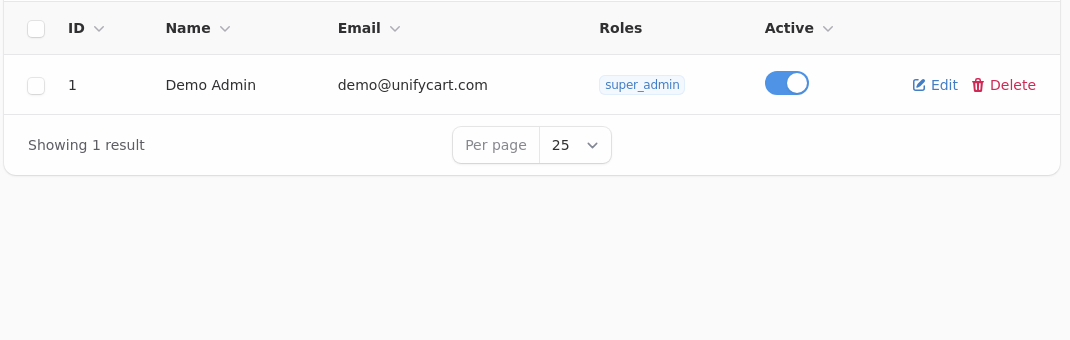
Each person gets their own account. Sharing one is the thing that makes the activity log useless, because every change is then attributed to a person who may not have made it.
The Five Roles
| Role | Can do |
|---|---|
| Super admin | Everything, including settings, billing and staff |
| Admin | Almost everything, short of the most sensitive settings |
| Order manager | View, edit, cancel and refund orders; view and edit customers; view products and coupons |
| Catalog manager | Full control of products, categories and coupons; nothing to do with orders or customers |
| Customer support | View and edit orders and customers; view products; no refunds, no cancellations |
The distinction that matters most is between order manager and customer support. Both can open an order and change it. Only the order manager can cancel or refund one, which is usually the line you want between somebody answering emails and somebody with authority over money.
Catalog manager cannot see orders at all
That is deliberate. Somebody entering products does not need customer names, addresses or what anybody spent. Give the narrowest role that lets a person do their job, and widen it when they ask.
Adding Somebody
Create the account with their own email address and assign a role. They sign in at your shop's admin address.
An account can be made inactive rather than deleted, which stops them signing in while keeping their history attached to the orders and products they touched. That is what to do when somebody leaves.
Deactivate the day they leave, not the week after
An account that still works is an account that can still be used. This is the single most common gap in a small shop's security, and it costs nothing to close.
Staff Limits
How many staff accounts you can have depends on your plan: five on Starter, fifteen on Pro, unlimited on Growth and Enterprise. Deactivated accounts do not count against the limit.
What Gets Recorded
Utilities, Activity Log records what changed, when and by whom, across products, orders, customers and settings.
It is the first place to look when something has changed and nobody admits to changing it, and the reason individual accounts matter: a shared login turns every entry into "somebody".
Two Factor Authentication
Worth requiring for anybody with a super admin or admin role, since those accounts can move money and change where it goes.
If Somebody Is Locked Out
They reset their password themselves from the sign-in page. Nobody, including you and the platform, can read an existing password.
If the reset email does not arrive, check the address on the account first, then your email settings, since a shop whose outgoing mail is misconfigured cannot send a reset any more than it can send an order confirmation.